About
Category
SAAS Dashboard
Tools used
Lovable, Claude, Perplexity
This project was a challenge to myself to build something within 3 days.
ClearStack is a SaaS spend tracker for early-stage startups. Founders often lose track of what software they pay for, whether tools are being used, and what is about to renew. Existing trackers are built for finance or IT teams at larger companies, not for a founder managing everything alone.
ClearStack addresses this gap with a simplified interface: an overview of total spend, a usage page showing adoption per tool benchmarked against similar startups, and a direct action page to manage or cancel subscriptions via the vendor's platform.
Final Prototype
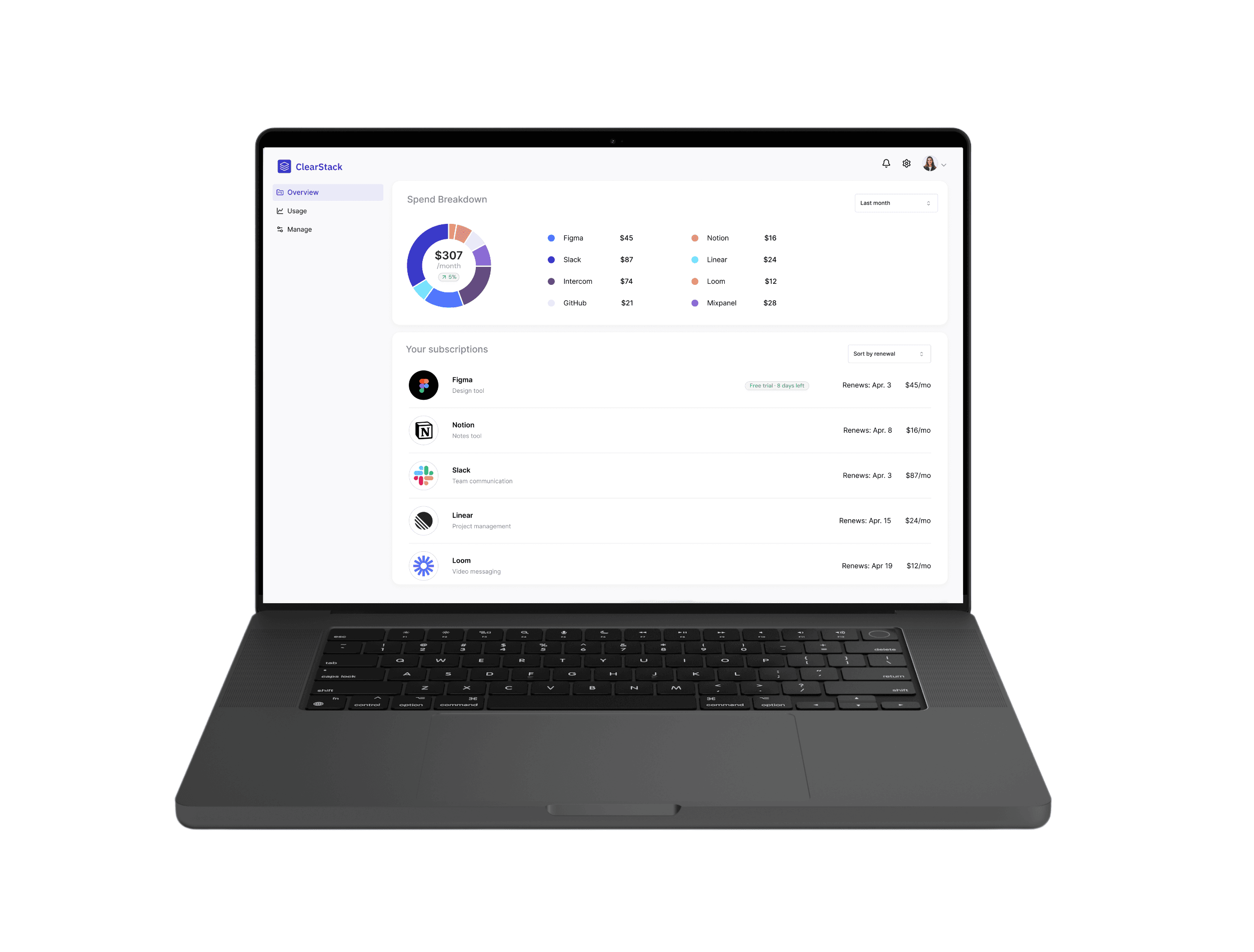
Have a look at the final prototype here
View Prototype

The Problem
Keeping an overview over countless subscriptions
“Now the basic startup operating system is a spiderweb of SaaS. And as any founder will attest, the bills add up really quickly. I guarantee there are SaaS tools used by your business right now your CFO has never even heard of. You do have a CFO, right? Right?!"
Existing tools are complicated
Early-stage startups accumulate tools fast with no central visibility over spend or usage. Existing software management solutions are built for finance or operations professionals at larger companies. Founders have no time for complex tools, yet nothing simpler exists for them.
My Process
Research and Feedback

I use Claude and Perplexity as my Research Stack. Additionally, Claude helps me to reflect on first layouts and UX iterations.
Prototyping
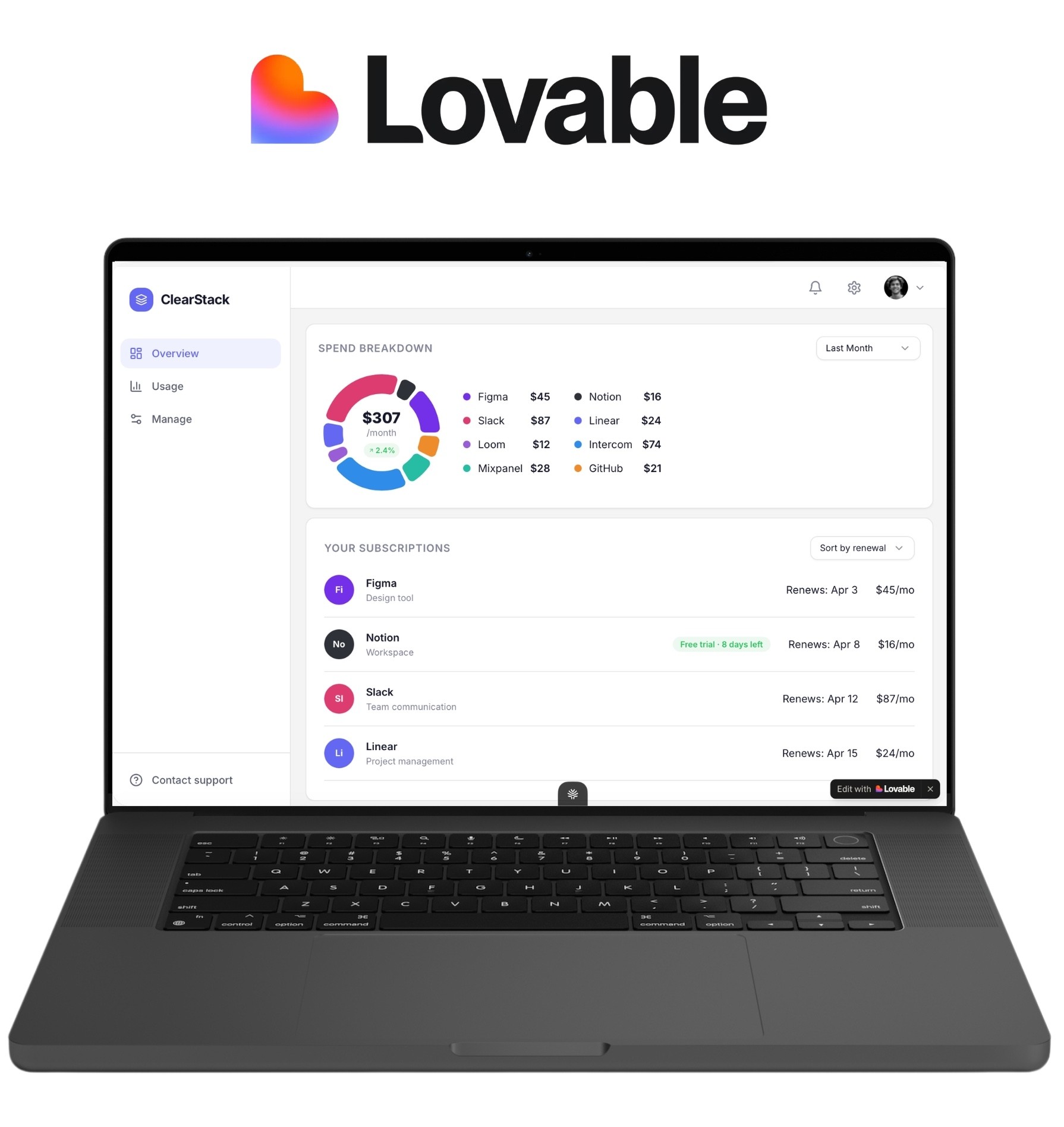
I used Lovable to get feedback from consumers and visualise first versions quickly before moving into Figma.
View MVP
Solution
Overview Page
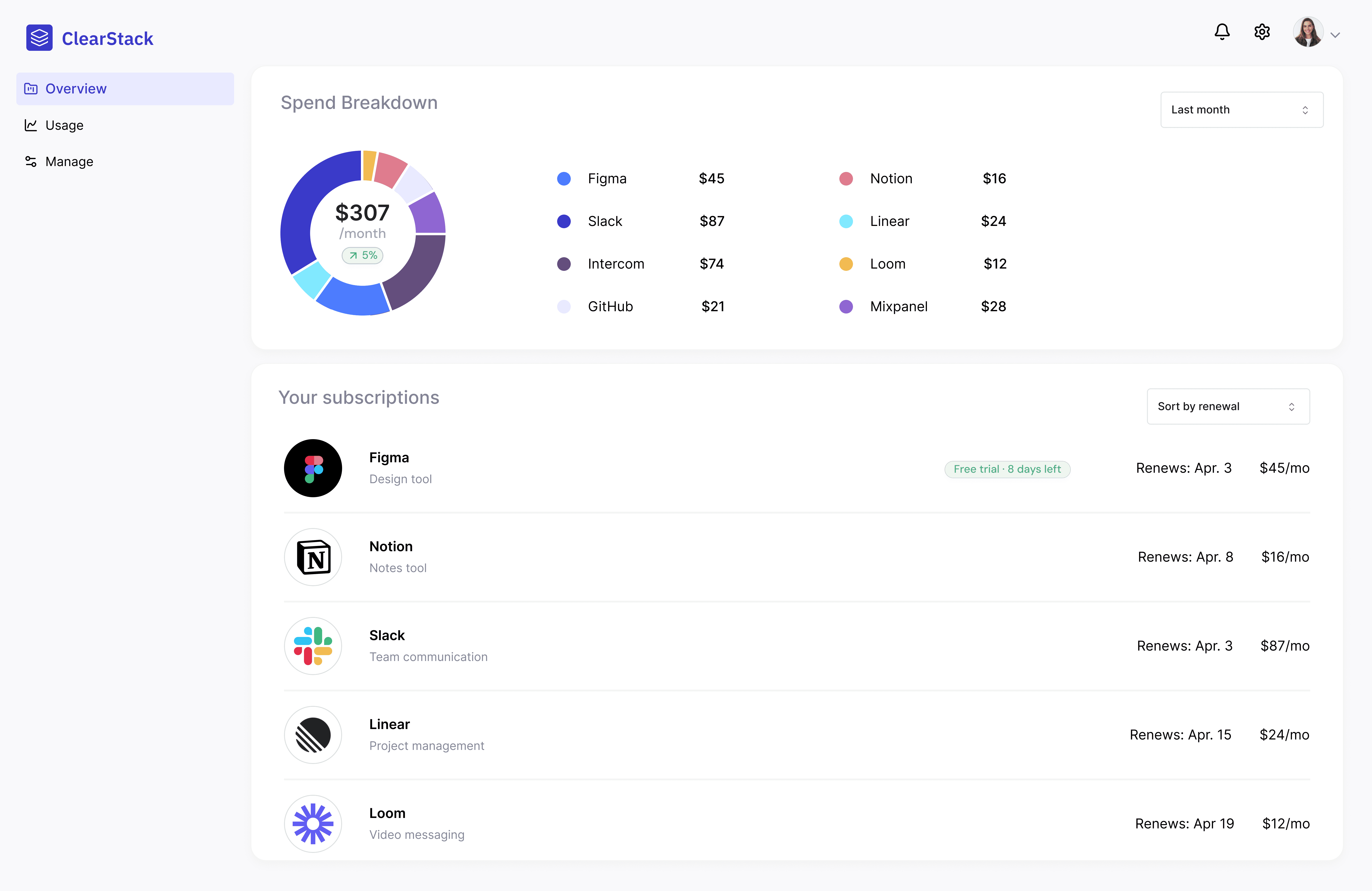
The Overview page shows total monthly spend, upcoming renewals and cost per tool. A badge indicates which softwares are on a free trial.
Usage Page
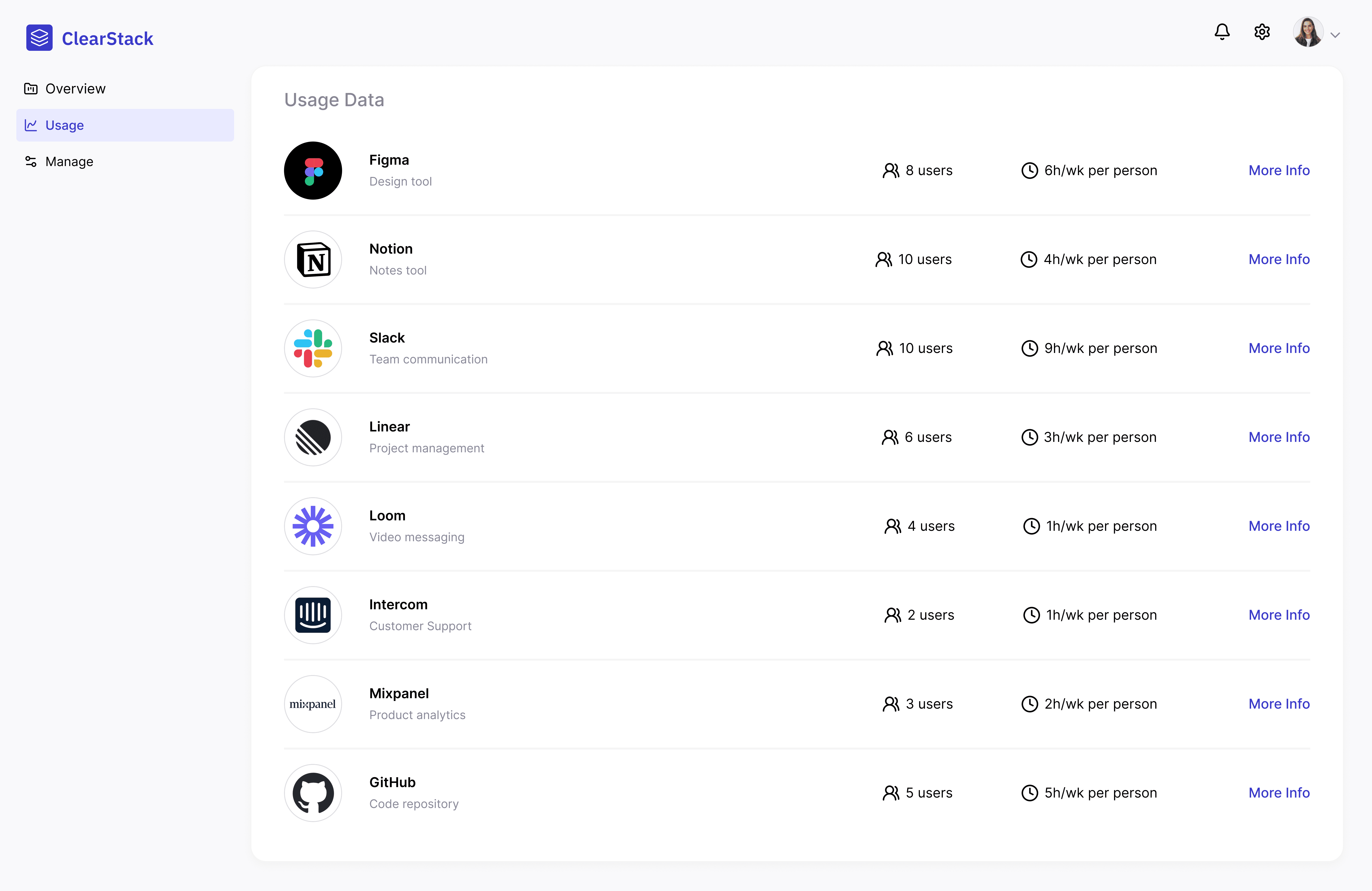
The Usage page shows how many users have access to each tool and how many hours per week it is used on average.
Manage Page
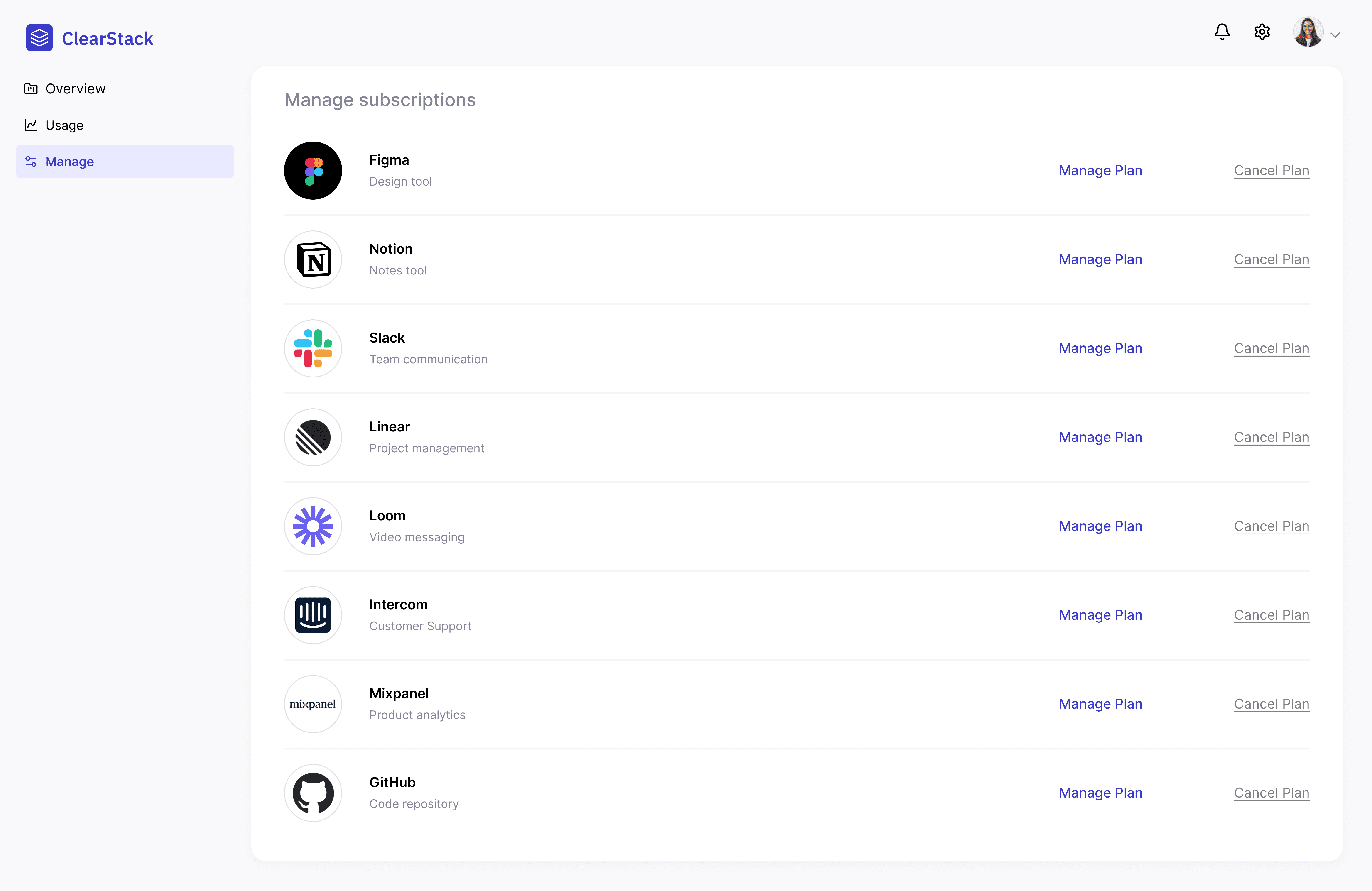
After reviewing spend and usage data, the Manage Page is where founders make decisions about what software to keep or change plans. Each tool has two direct links: Manage Plan and Cancel Plan, both routing to the vendor's platform.
My Process
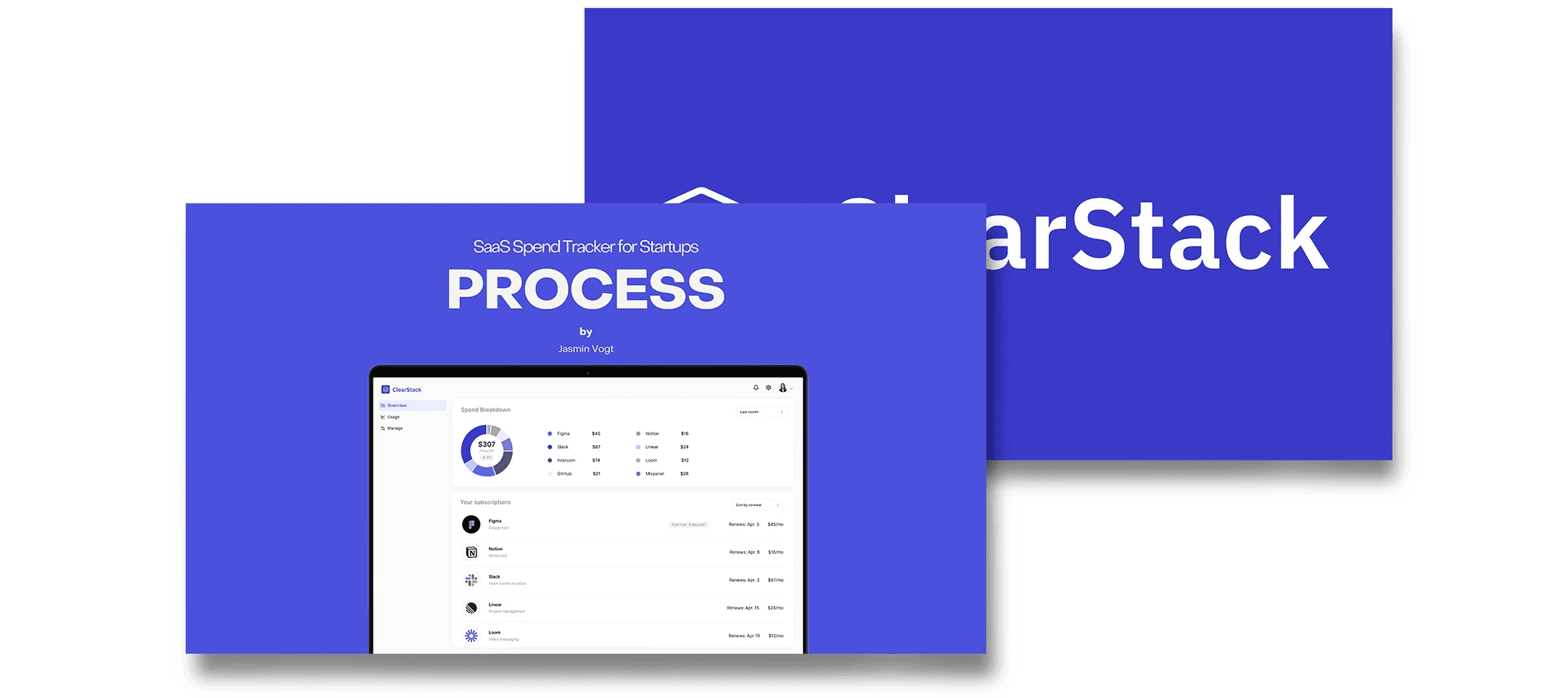
Have a look at my process here
See more